Getting a first tattoo
Try ideas without pressure and find out what you actually want before you sit in a chair paying by the hour.
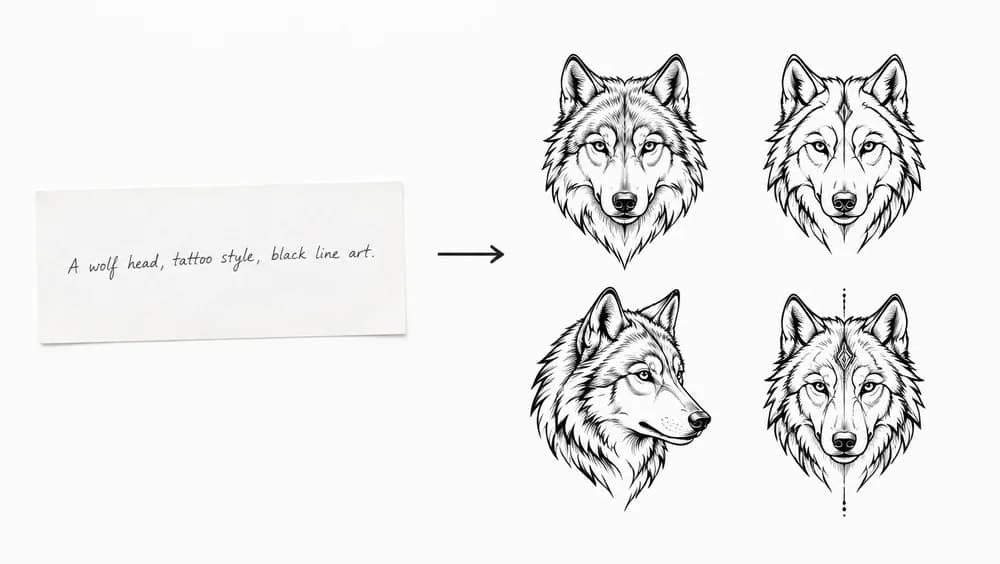
Start with an ideaDescribe it, pick a style, and take the result to your artist.

Write what you want in plain language — the subject, the mood, any elements that matter. Specific beats poetic: “a wolf head with pine trees and a crescent moon” works better than “something about the wild”.
Choose a tattoo style and a body placement. The style changes how it is drawn; the placement changes the composition and the size it is built for.
One design per run by default, or ask for up to four at once. Keep going until one is right, preview it on your skin, then download it or export a print-ready stencil for your artist.
An AI tattoo generator turns a written description into original tattoo artwork. You type what you have in mind — a wolf head with pine trees, your grandmother’s name in script, a koi fish wrapping your forearm — pick a style and a placement, and the generator draws several designs for you in about twenty seconds. Nothing is pulled from a stock library: every design is made for your description, so nobody else is walking around with the same piece.
It is a reference tool, not a replacement for a tattoo artist. The artist still adjusts the composition to your body, fixes line weight so it ages well, and executes it. What changes is that the conversation starts from your design instead of somebody else’s.
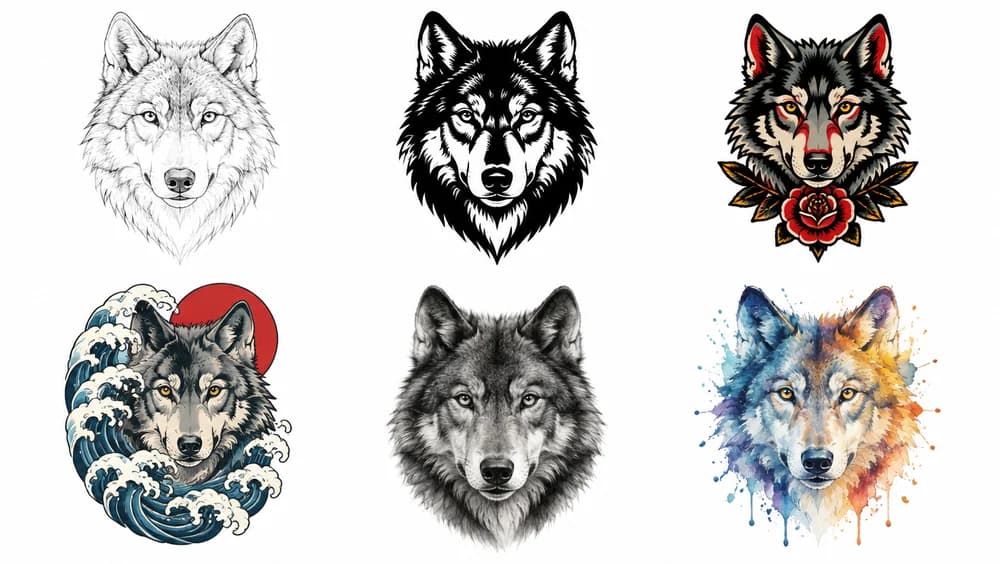
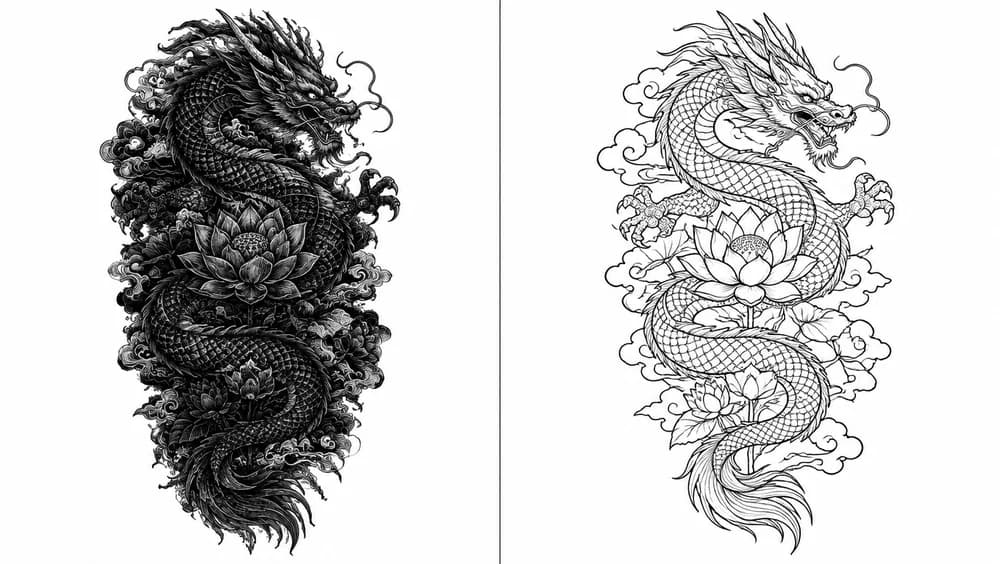
Pick a style and the same subject comes back genuinely different — not the same drawing with a filter on it. Fine line means even, thin, unshaded strokes. Blackwork means solid fills and real silhouettes. Traditional means bold even outlines and a flat palette. Each style carries its own rules for line weight, fill, and how much detail belongs in the composition.
Some ideas do not survive being described in words. A pet that died, a handwritten note, a childhood drawing, a place you keep going back to — for those, upload the photo and let the generator translate it into tattoo artwork instead of trying to spell it out.
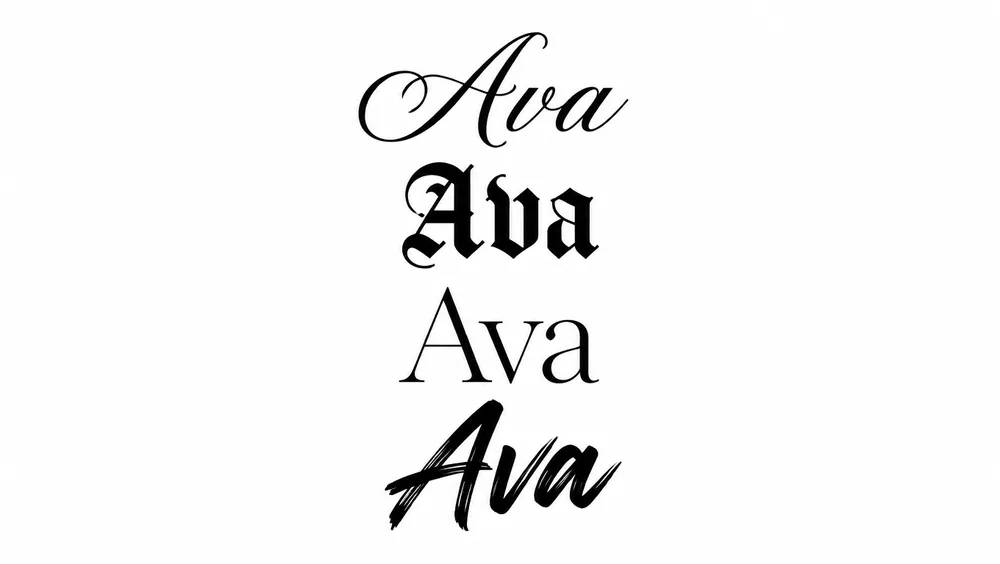
Lettering is the most requested tattoo and the most commonly regretted one, and the reason is almost always the letterforms rather than the words. A font that looks elegant on screen closes up on skin: hairline serifs disappear, tight counters fill in, and script joins blur together within a few years.
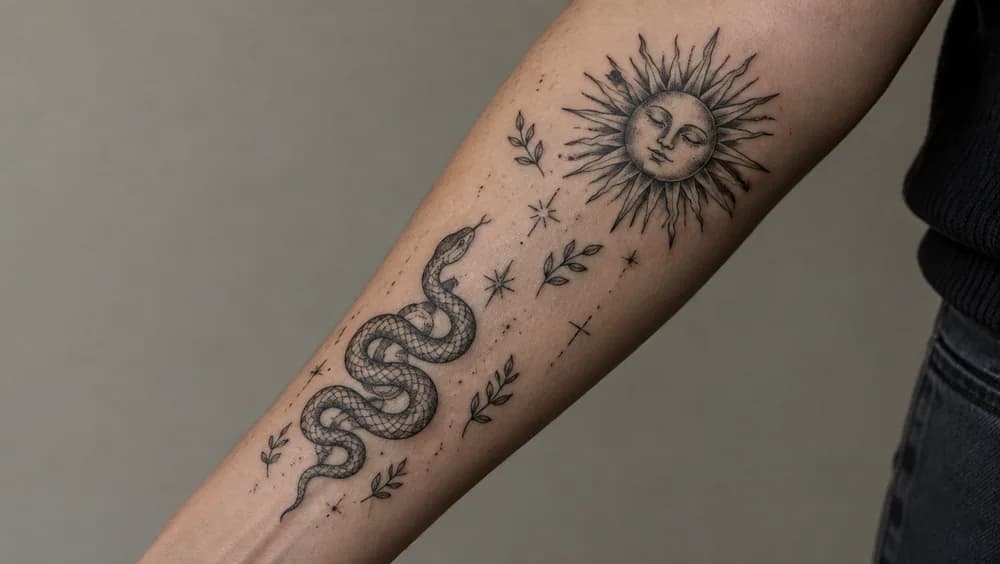
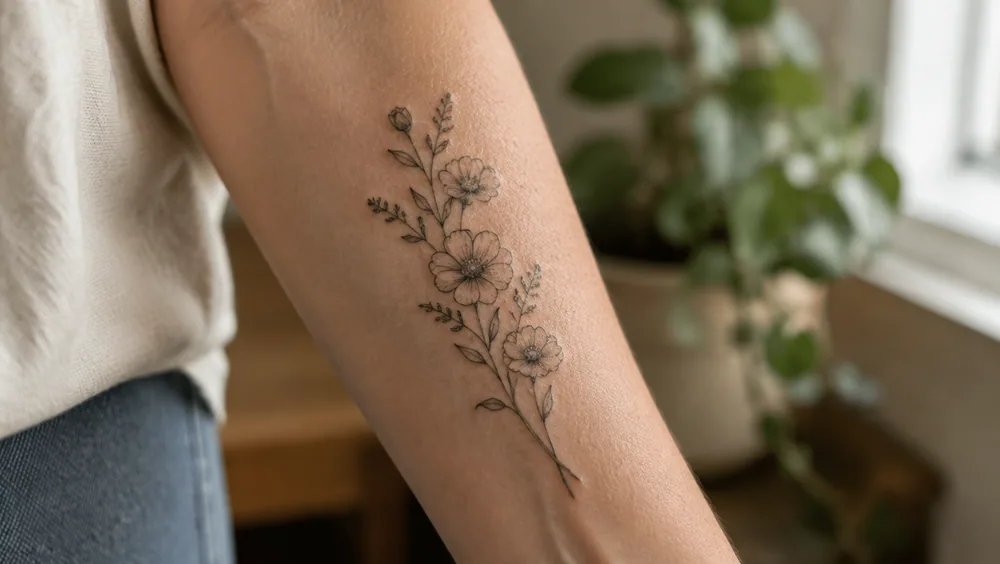
A design that looks perfect on a white square can sit completely wrong on a forearm. Proportion changes, curves distort a symmetrical layout, and something that read as bold at thumbnail size turns out to be the size of a business card on your wrist.
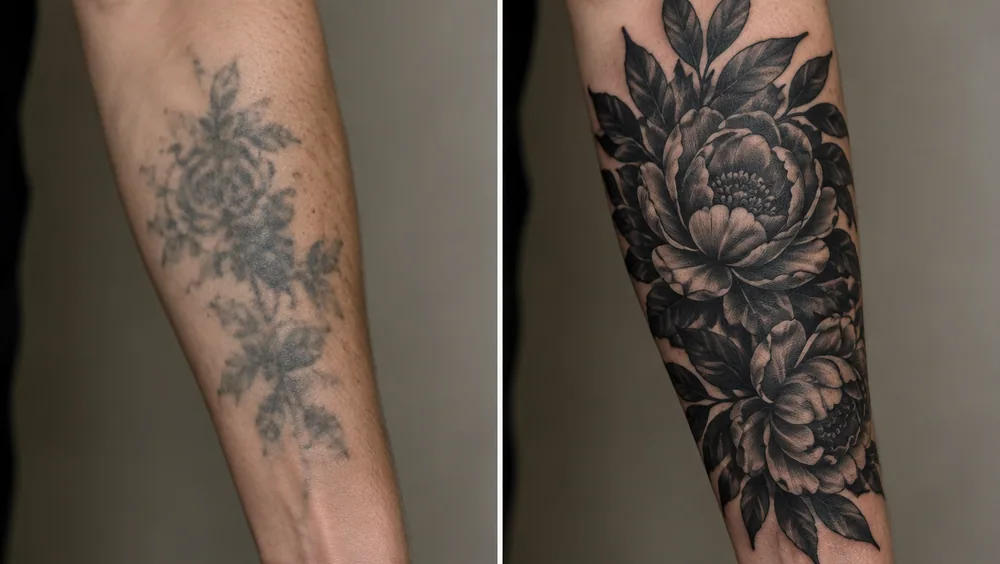
A cover-up follows one rule the original never had: the new design must be darker and denser than what it hides. Old ink does not disappear, it sits underneath, so cover-ups lean on solid blacks, heavy shading and busy compositions, and usually end up two to three times larger than the piece they replace.
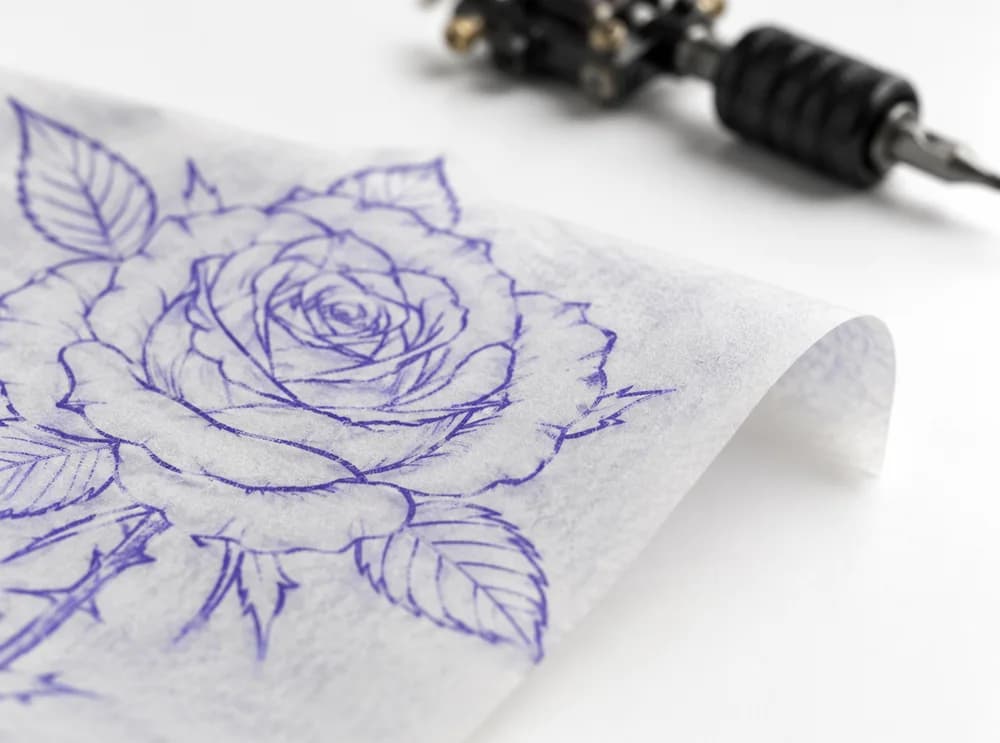
When you have a design you want to keep, export it as a stencil: clean black linework on white, high contrast, drawn for the size you picked and ready to print onto thermal transfer paper. This is the file a tattoo artist can actually use, rather than a screenshot they have to redraw.
Real tattoo styles, drawn at the size they will be
01 / 06Pick a style and the same subject comes back genuinely different — not the same drawing with a filter on it. Fine line means even, thin, unshaded strokes. Blackwork means solid fills and real silhouettes. Traditional means bold even outlines and a flat palette. Each style carries its own rules for line weight, fill, and how much detail belongs in the composition.
Browse every tattoo styleSome ideas do not survive being described in words. A pet that died, a handwritten note, a childhood drawing, a place you keep going back to — for those, upload the photo and let the generator translate it into tattoo artwork instead of trying to spell it out.
Open the stencil makerLettering is the most requested tattoo and the most commonly regretted one, and the reason is almost always the letterforms rather than the words. A font that looks elegant on screen closes up on skin: hairline serifs disappear, tight counters fill in, and script joins blur together within a few years.
Open the font generatorA design that looks perfect on a white square can sit completely wrong on a forearm. Proportion changes, curves distort a symmetrical layout, and something that read as bold at thumbnail size turns out to be the size of a business card on your wrist.
Open the tattoo simulatorA cover-up follows one rule the original never had: the new design must be darker and denser than what it hides. Old ink does not disappear, it sits underneath, so cover-ups lean on solid blacks, heavy shading and busy compositions, and usually end up two to three times larger than the piece they replace.
Open the cover-up designerWhen you have a design you want to keep, export it as a stencil: clean black linework on white, high contrast, drawn for the size you picked and ready to print onto thermal transfer paper. This is the file a tattoo artist can actually use, rather than a screenshot they have to redraw.
Open the stencil makerThe common complaint from tattoo artists about AI designs is fair: a lot of them cannot be tattooed. Detail gets packed so densely that it would close up into a solid patch within a year, line weights are inconsistent, and a design meant for a finger contains more detail than fits on a thigh.
None of this makes an artist unnecessary. It makes the reference you hand them worth working from.
Try ideas without pressure and find out what you actually want before you sit in a chair paying by the hour.
Start with an idea
Put the design on a photo of your arm, back or ankle and settle size and placement before the appointment.
Tattoo simulator
Design a piece that sits with what you already have, or filler that joins separate tattoos into one sleeve.
Cover-ups and filler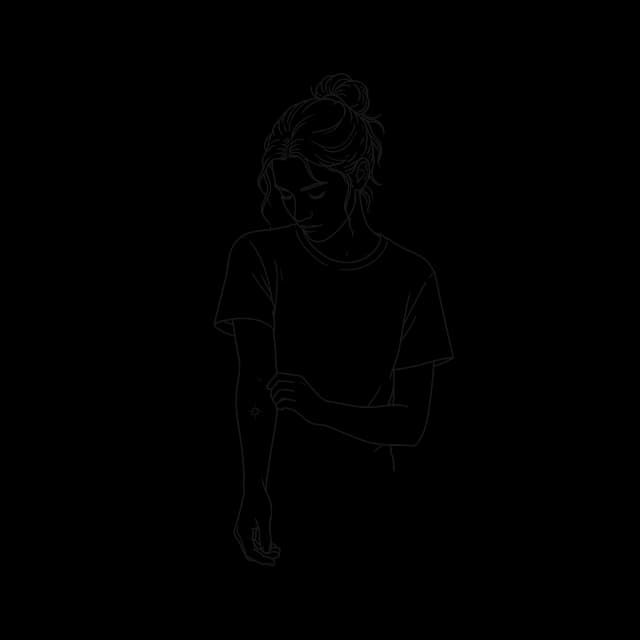
Design over an old tattoo or a scar and see whether the new piece really covers it before you book.
Tattoo cover up generator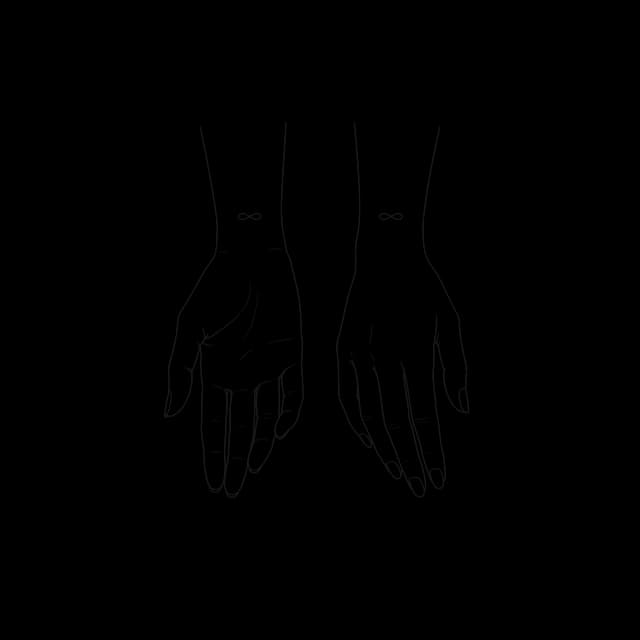
Preview a name or a date in different tattoo fonts for free, then have the one you like lettered properly.
Tattoo font generator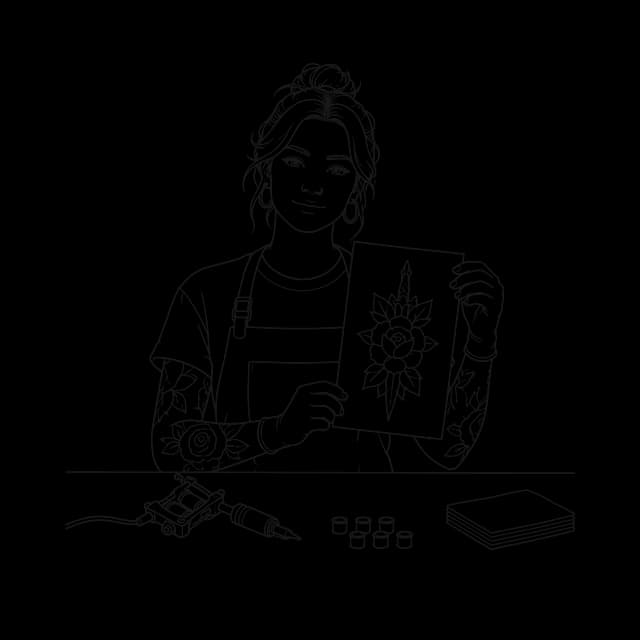
Generate directions for a client in the consultation, then turn the agreed design into a clean stencil.
Tattoo stencil makerAn artist’s own drawing is still the gold standard. This is where a generator fits next to it, and next to the usual alternatives.
| Saved images and boards | A general AI image tool | A custom sketch from an artist | TattooGenerator | |
|---|---|---|---|---|
| Original — nobody else has it | ||||
| Drawn for a placement and a size | ||||
| Clean enough to make a stencil from | Sometimes | Rarely | ||
| See it on your own skin first | Sometimes | |||
| Drawn by the artist who tattoos it | ||||
| Time to a first design | Hours of scrolling | Seconds | Days to weeks | About 20 seconds |
Creating an account is free and comes with starter credits to design with. Free downloads carry a small watermark; a paid plan or credit pack removes it, and the larger ones unlock the special styles.
Only to generate. You can type, pick a style and set everything up first; when you press Generate you create a free account with an email or Google — no card — and your starter credits are there straight away. Your designs are then saved to your account.
Yes, and that is the point. Export a stencil and you get clean, high-contrast linework drawn for the size you picked, which is what an artist prints onto transfer paper. Most artists will still adjust the composition to your anatomy — that part is their job, and it is worth paying for.
You do. Designs you generate are yours to get tattooed and yours to keep. Paid plans add a commercial licence if you want to use the artwork beyond your own skin.
Fine line, blackwork, traditional, neo traditional, Japanese, realism, black and grey, minimalist, geometric, dotwork, watercolour, tribal, anime and more. The special styles — ignorant, chicano, woodcut, 3D effect, trash polka, micro realism, cyber sigilism, biomechanical — come with a plan or one of the larger credit packs.
Photos you upload for try-on or photo-to-tattoo are used to produce your result and then deleted within 30 days. They are never used for training and never made public.
Lines that close, a consistent line weight, and no more detail than the size can hold. A design meant for a wrist has to read at four centimetres; one that looks good only at full screen will blur into a patch within a few years. Each style here carries those rules, and the placement you pick sets the size the design is drawn for.
Yes. Every result can be sent straight to the tattoo stencil maker, which reduces it to clean black linework you can print on transfer paper or hand to your artist.
Describe it to the AI tattoo generator, pick a style, try it on your skin, and take the result to your artist. Free credits when you sign up.
Start designing