

Getting a first tattoo
Find out whether you actually like it on you — and where — before you sit down and pay for it.
Upload a photo of the spot you are thinking about. Describe or paste the design. See it on your skin.
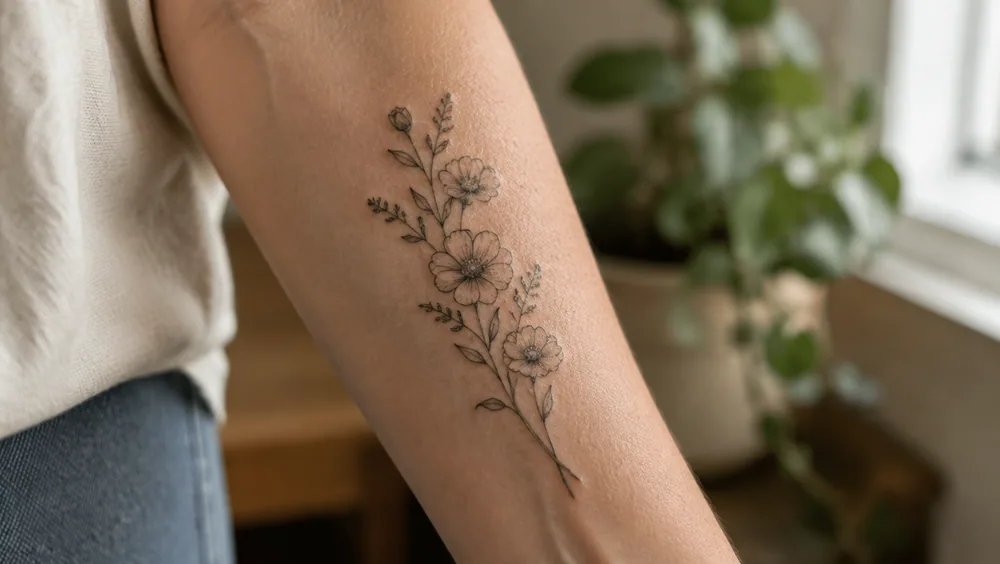
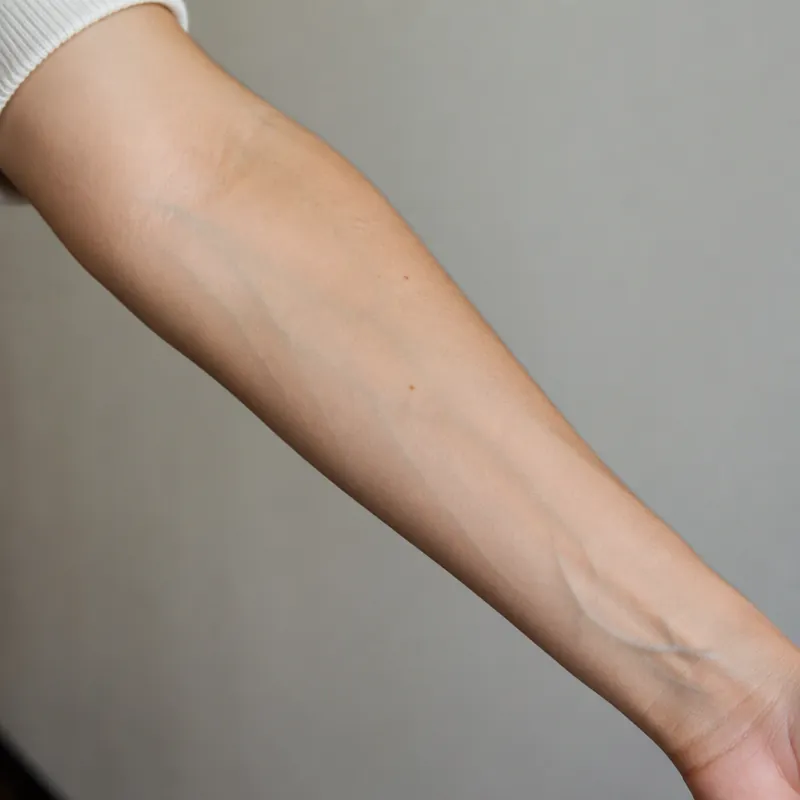
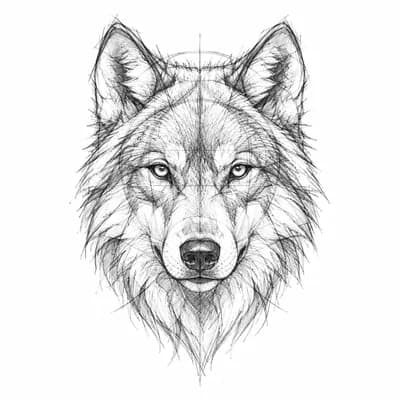
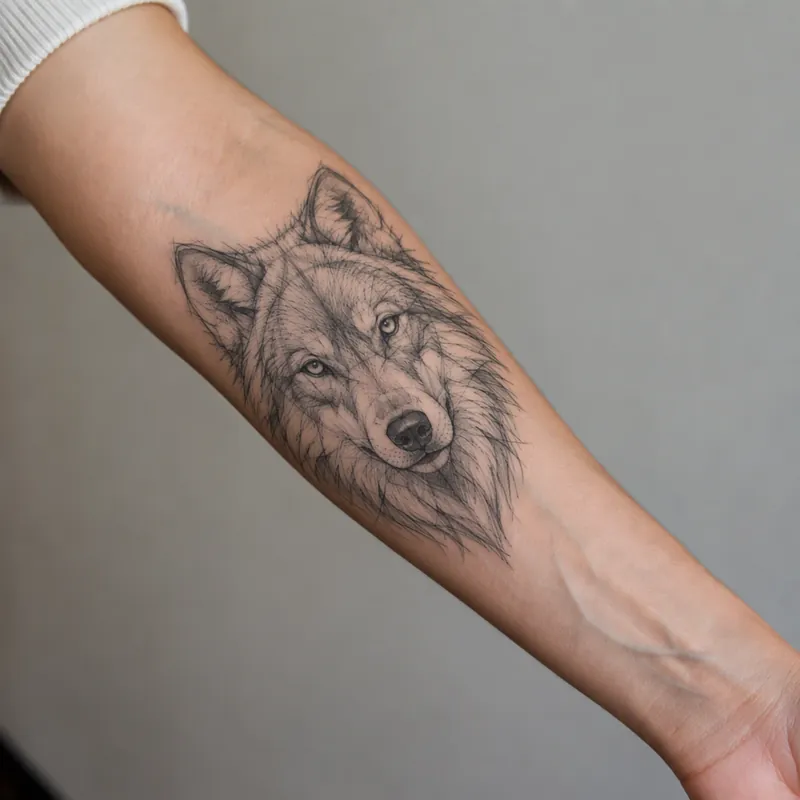
A plain photo of the spot, a design, and what the simulator made of the two. Pick one to load both into the simulator above.
A tattoo simulator shows a design on your own body before it is permanent. You upload a photo of the spot you are considering, describe or add the design, and the simulator places it as ink: following the curve of the limb, matching the light, with the slightly soft edges healed ink has.
It answers the question everyone has before an appointment — not “is this a good design” but “does it look right on me, at this size, in this spot”. It is also the quickest way to settle the argument between two placements.
01
Straight on, in even daylight, with the area uncovered. The photo sets the scale and the light.
02
Describe it in words, or add a design you already have — one from the generator, or one your artist sent.
03
The design is placed as healed ink. Try a second size or a second spot and compare.
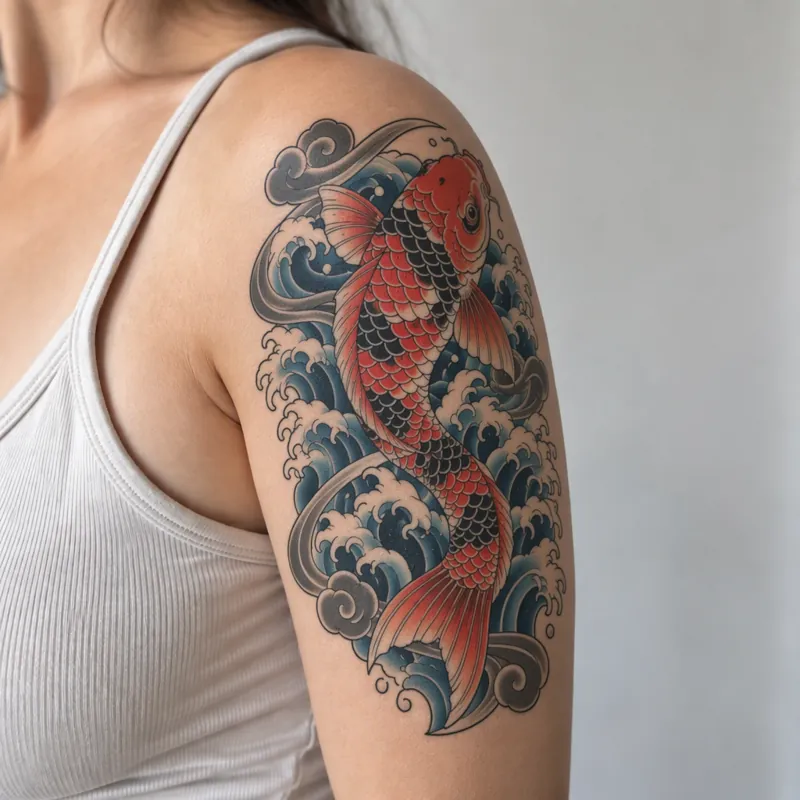
Arms are cylinders. The design wraps the way ink will, so a layout that distorts on a limb shows it here rather than on the day.
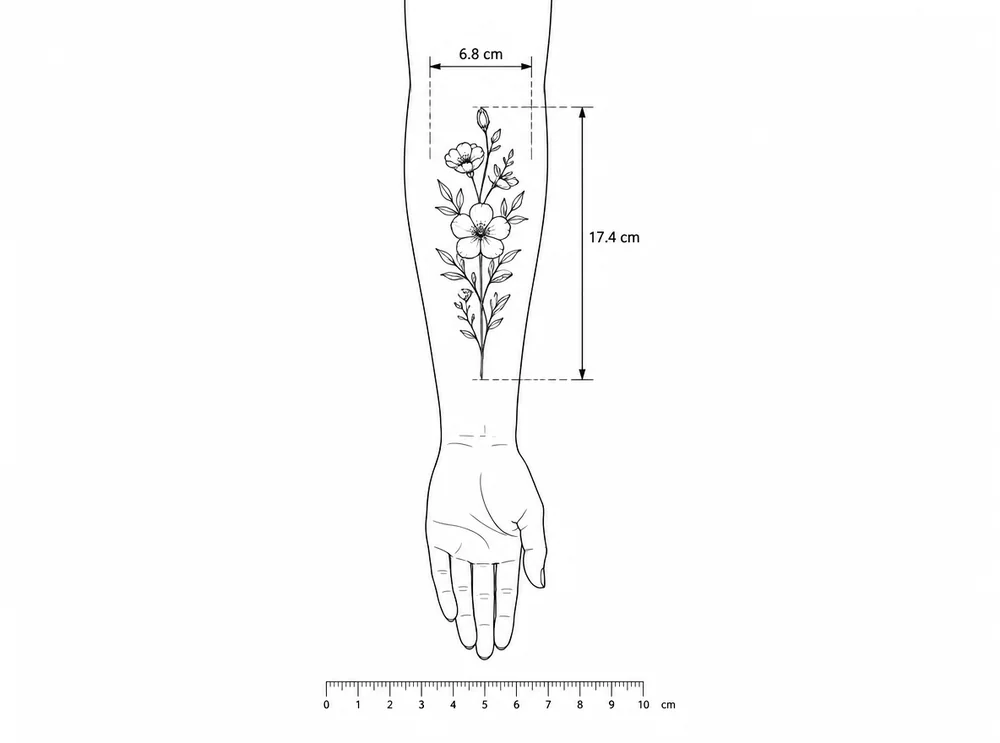
Something that reads as bold on a screen can be the size of a coin on a wrist. Say how big it should be and judge it at that size.
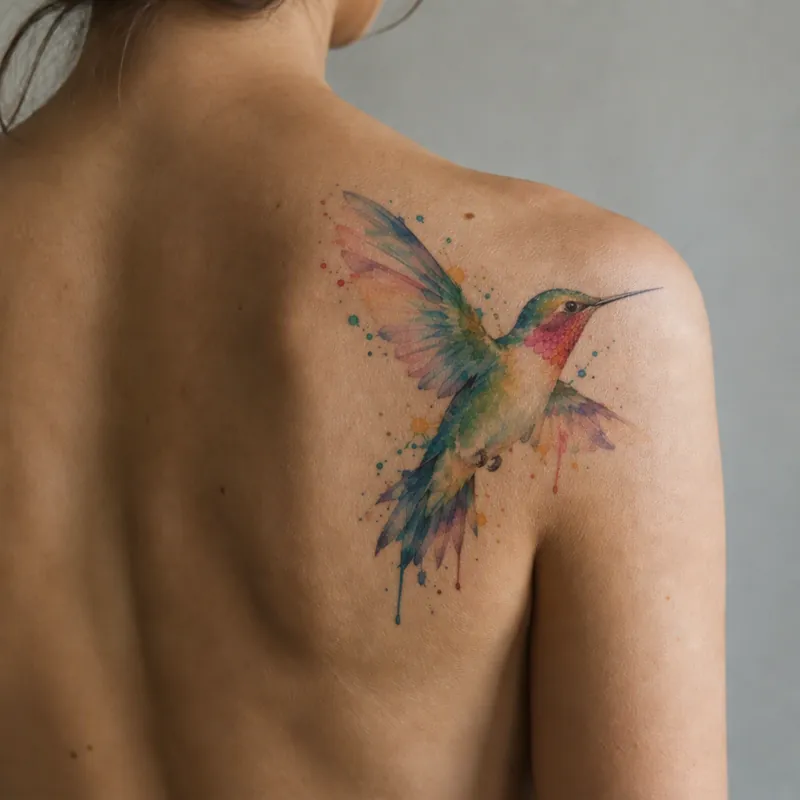
The ink takes the tone and the lighting of your photo, with healed edges rather than a sticker pasted on top.
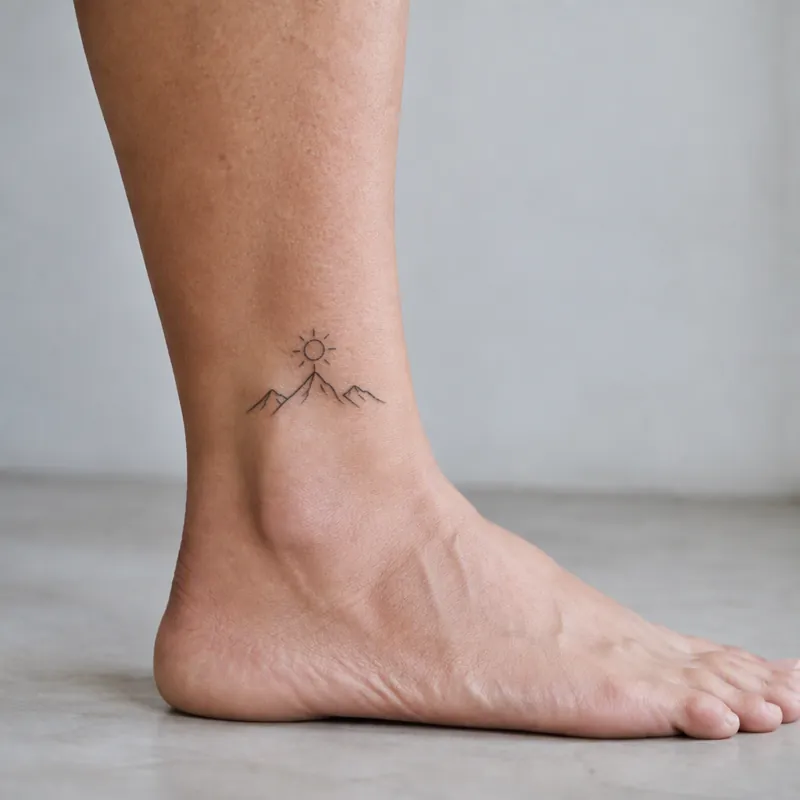
Fine line and minimalist designs live or die on size. The simulator keeps them as delicate as they will actually be.
Bring the preview to the consultation. It settles size and placement in a couple of minutes instead of twenty.
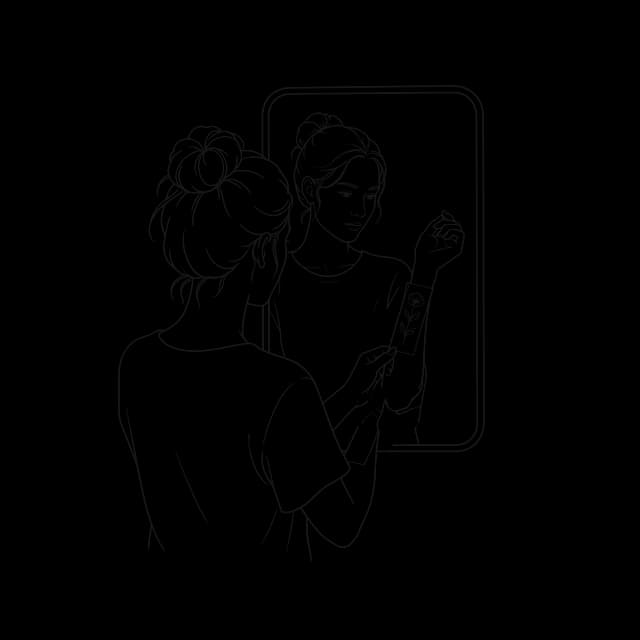
It follows the curve
01 / 05Arms are cylinders. The design wraps the way ink will, so a layout that distorts on a limb shows it here rather than on the day.
Something that reads as bold on a screen can be the size of a coin on a wrist. Say how big it should be and judge it at that size.
The ink takes the tone and the lighting of your photo, with healed edges rather than a sticker pasted on top.
Fine line and minimalist designs live or die on size. The simulator keeps them as delicate as they will actually be.
Bring the preview to the consultation. It settles size and placement in a couple of minutes instead of twenty.
Find out whether you actually like it on you — and where — before you sit down and pay for it.
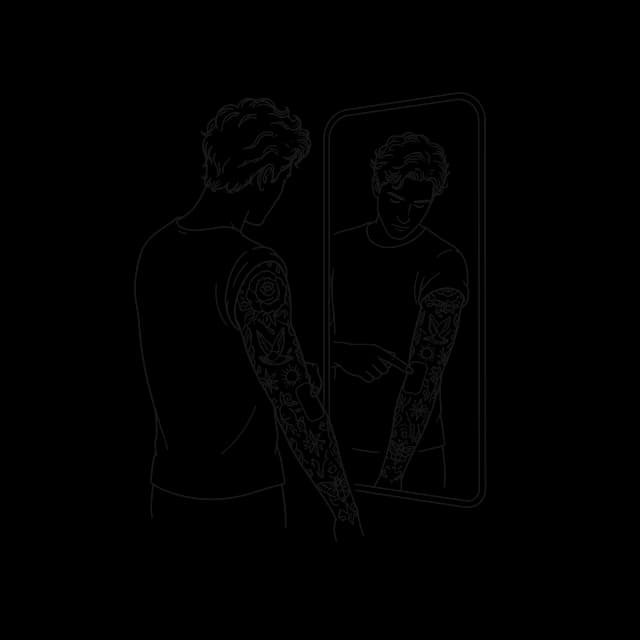
See how a new piece sits next to the ones you already have, and whether it fits the gap you have in mind.
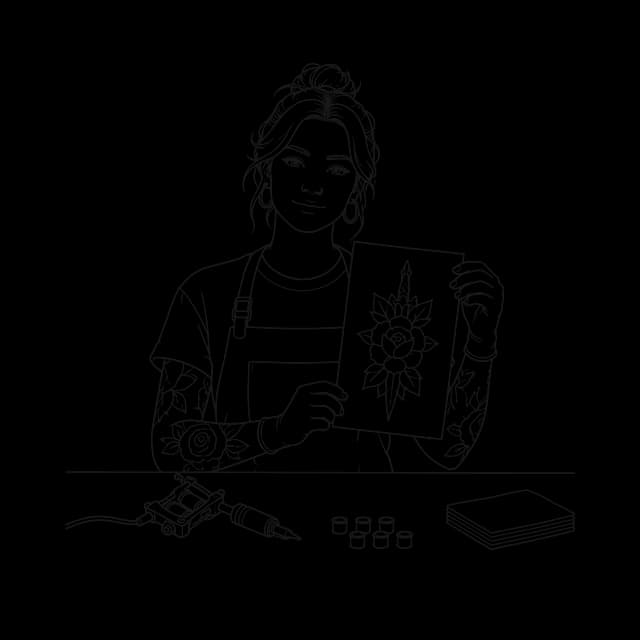
Show a hesitant client the design on their own arm. It is the fastest way to agree on a size.
01
Ask any artist what clients underestimate and the answer is size. A design that looks substantial on a phone screen is often two-thirds the size it should be once it is on an arm, and the fix — scaling it up at the appointment — changes the composition the client fell in love with.
The try-on makes size concrete. Say how big it should be — a forearm piece usually runs 8 to 15 centimetres, a wrist piece 3 to 7 — and judge the preview at that size. If it looks small, it is small, and that is the moment to find out.
02
The most useful thing to do with a try-on is run the same design in two places. Inner forearm reads as personal and is easy to hide; outer forearm is public. Upper arm gives a bigger canvas and follows the muscle; the shoulder rounds a design in a way a flat rendering never shows. Seeing both in your own photos answers the question faster than any amount of advice.
Photograph both spots in the same light and at the same distance so the comparison is fair. Then decide — and take the preview to your artist as the brief.
03
Roughly, yes — they describe the same job from three angles. A tattoo simulator emphasises the simulation: the design rendered as if it were already on skin, with the curvature and lighting of your own body. A virtual try-on emphasises the act of trying, the way you would try on a jacket. A tattoo mockup is the flat-lay version artists use in proposals, where the design sits on a photograph of the area at true scale.
The distinction that matters is not the label but whether the tattoo simulator respects your anatomy. A design pasted flat onto a photo tells you almost nothing, because a tattoo on a forearm bends with the muscle and disappears round the side. The preview is only useful if it wraps.
04
Even, indirect light is the single biggest factor — a window on an overcast day beats a ring light and beats direct sun by a wide margin. Hard shadows get read as contours, and the design ends up bending around a shadow that is not actually part of your arm.
Frame the whole placement area with a little room around it, and hold the limb in a neutral position rather than flexed. A bicep held tense is a different shape from a bicep at rest, and you will be walking around at rest. Shoot straight on rather than from above, and keep the camera roughly level with the middle of the area.
Bare skin, no clothing edges crossing the area, and nothing shiny — sunscreen and moisturiser create highlights the preview will interpret as form.
05
It cannot tell you how the ink will age. A simulated tattoo has crisp edges forever; a real one spreads slightly over years, fine lines thicken, and the smallest gaps between lines eventually close. That is why an artist may push back on a design that previews beautifully — they are looking at it ten years out, not today.
It cannot tell you how it will feel to have it, which is the part people actually change their minds about. And it cannot judge whether the placement suits your work, your family or your plans. Use the tattoo simulator to settle composition, scale and position. Use a conversation with an artist to settle the rest.
One honest use: preview the design you are sure about, and the one you dismissed. People change their minds at this step more often than they expect.
06
Upload a photo of the spot you are considering, add the design and say where it sits and how big. Try another size or angle if it feels off. This is the single most useful thing you can do before an appointment, and it is the question every first-timer actually has: not “is this a nice design” but “will this look right on me”.
Placement does half the work before you even generate. A design for a wrist is composed for three to seven centimetres and holds maybe two elements; a back piece is composed for twenty to forty and can carry a whole scene. Choosing the spot first is what stops you falling for a design that cannot exist at the size you want it.
Each has its use. The difference is how close it gets to the real thing, and how fast.
| A temporary tattoo | Editing a photo yourself | Tattoo Simulator | |
|---|---|---|---|
| Your own design | Only if you have it printed | ||
| Follows the curve of the body | With careful warping | ||
| Looks like healed ink | Takes real skill | ||
| Try several sizes and spots | One sheet each | One edit each | |
| Ready in | Days, by post | An hour or so | About 20 seconds |
Upload a photo of the spot you want tattooed, then describe a design or upload one. It renders the tattoo onto your photo, following the curve of your body and the light in the shot.
A front-on photo of bare skin in even daylight, with the whole area in frame. Avoid hard shadows, sunscreen shine and clothing edges across the spot.
Yes. Upload it together with your skin photo: one from our generator, one your artist sent, or any image you like.
Good enough to settle size, placement and composition. It cannot show how ink ages, and fine detail may look crisper than it will on real skin.
Yes. Say where it goes and how big in the description, then generate again with a different size or another body photo and compare.
You need a free account. Signing up gives you starter credits to use. Free previews carry a small watermark.
Yes. It runs in the browser, so you can take the photo and upload it straight from your phone. No app to install.
They are only used to make your preview and are deleted within 30 days. They are never used for training and never shown publicly.
One photo of the spot, one design, one preview. Free credits when you sign up.
Try a tattoo on