A first tattoo
You know the feeling, not the picture. Write it the way you would say it and let the prompts fill in the style and composition.
Describe the tattoo in your own words. Get three detailed prompts for any AI image tool, then copy one or turn it into a design in one click.
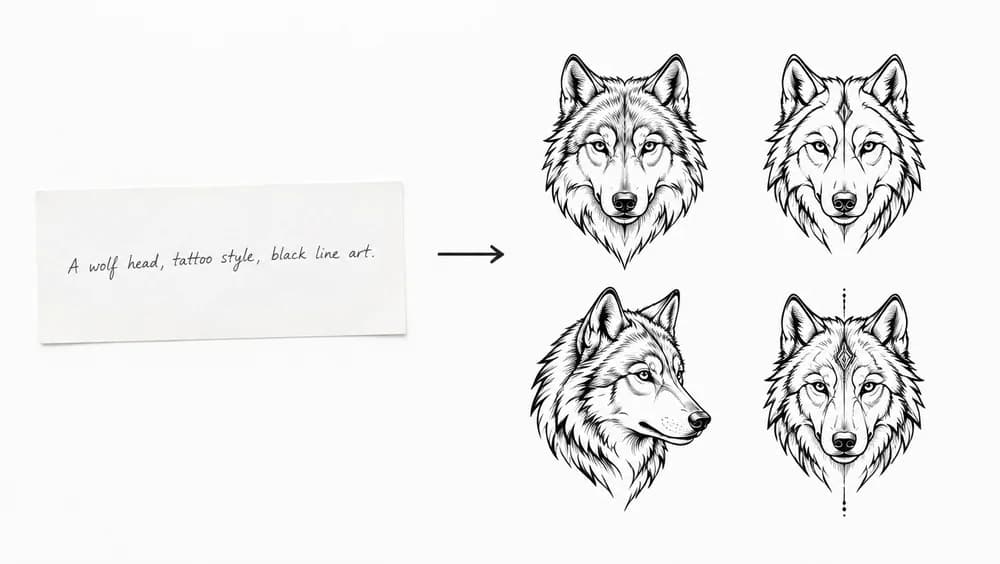
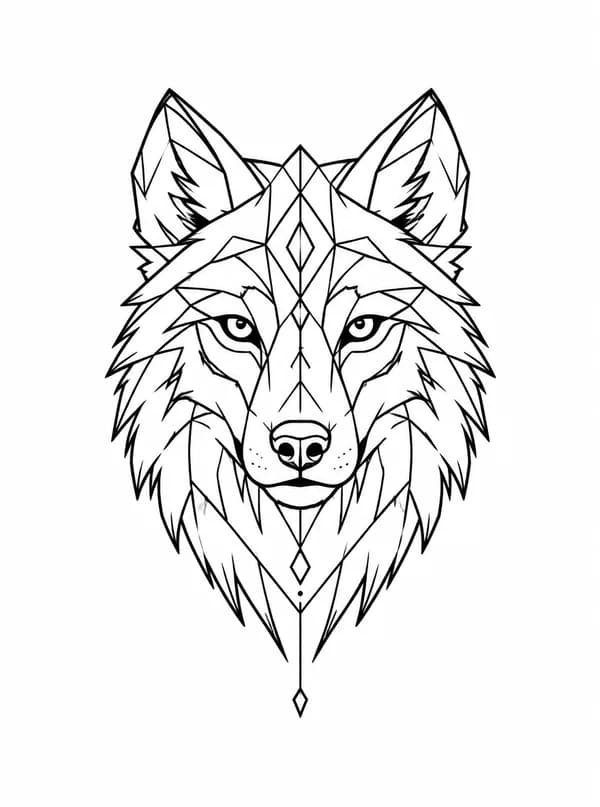
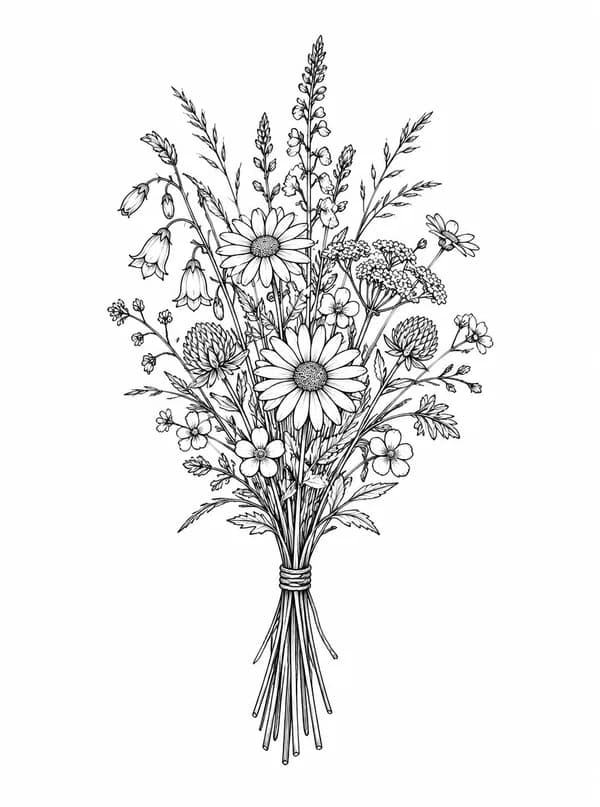
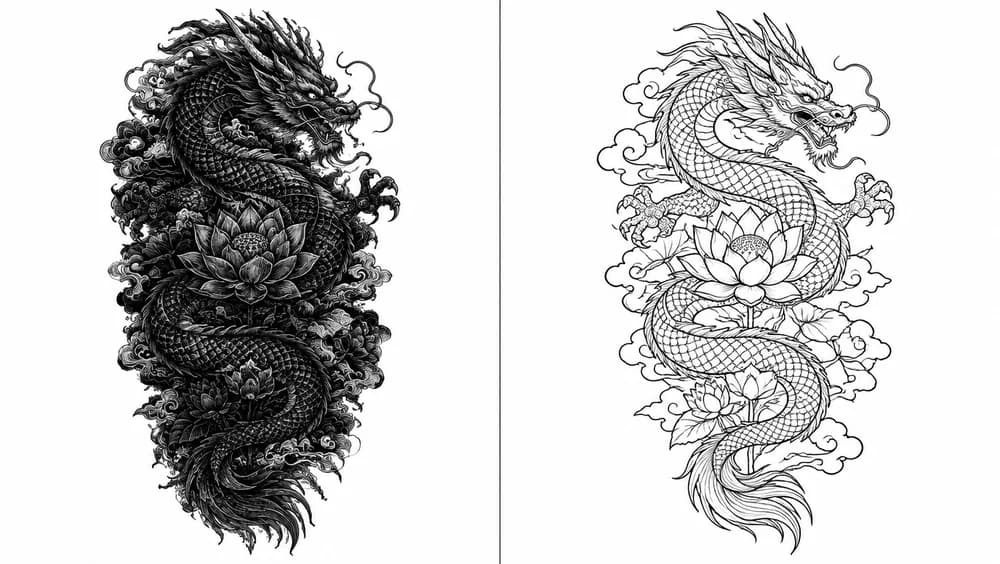
Each of these started as one sentence and a style in this site’s generator. Pick one to write prompts for the same idea above.
A tattoo prompt generator turns the way you would describe a tattoo to a friend into the way an AI image tool needs to hear it. You write the idea; it adds what the model needs to draw a usable design — the style in tattoo terms, the composition, line weight and shading, the placement, and a plain white background — and gives you three versions to choose from.
Most disappointing AI tattoo designs come from short prompts, not weak models. "A wolf tattoo" leaves every decision to the model. "A wolf howling at a crescent moon, fine line, single-weight linework, no shading, vertical forearm composition" leaves almost none.
01
One sentence in your own words, in any language: the subject, who it is for, anything it must include.
02
Both optional. The style decides the linework and shading; the placement decides the shape and how much detail fits.
03
Paste it into any AI image tool, or press Draw this to draw it in our tattoo generator, ready to show your artist.
One close to what you wrote, one with more detail, one pared back. Comparing them side by side is often how you find out which you actually want.
Line weight, shading, contrast and negative space — the words that separate a tattooable design from an illustration.
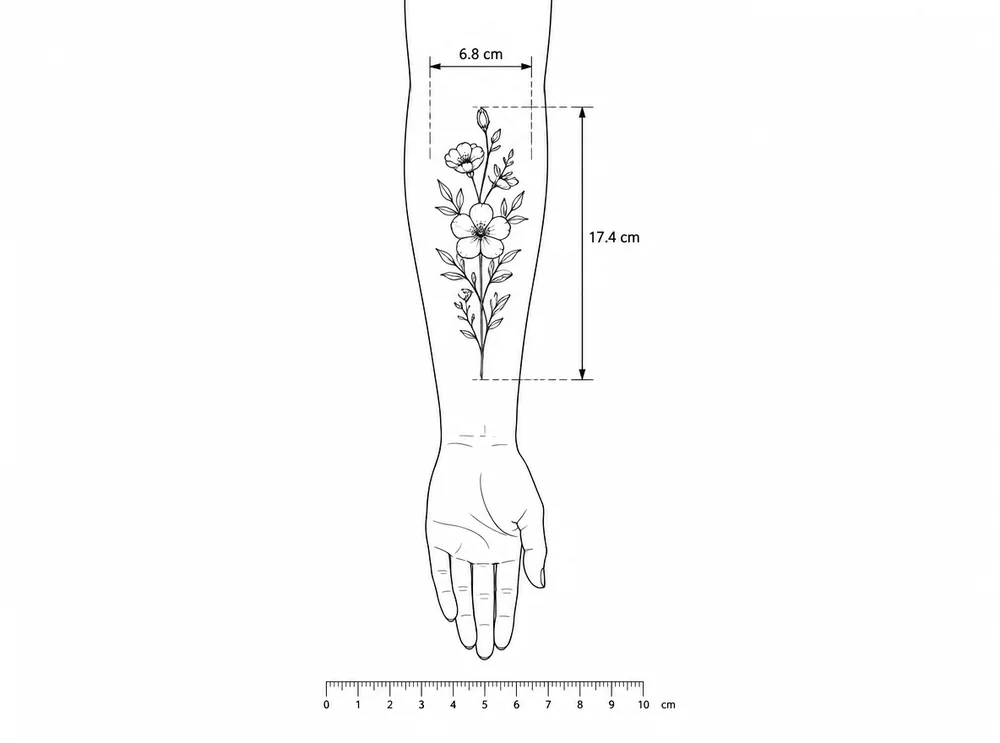
A wrist, a forearm and a back need different shapes and different amounts of detail. Pick a spot and the prompts are written for it.
Every subject and detail you wrote is kept. Colour and lettering are only added if you asked for them.
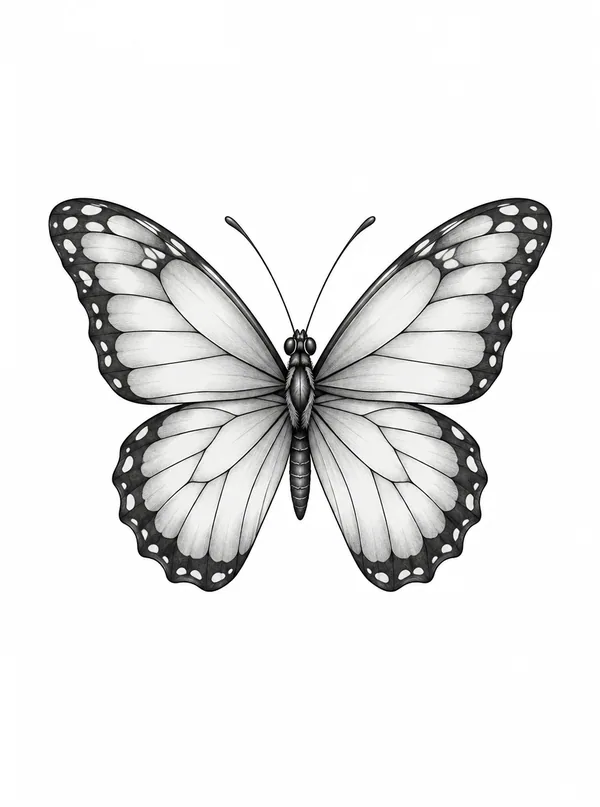
Press Draw this and the prompt opens in the tattoo generator with your style and placement already picked. Then see the design on a photo of your own skin before you book.
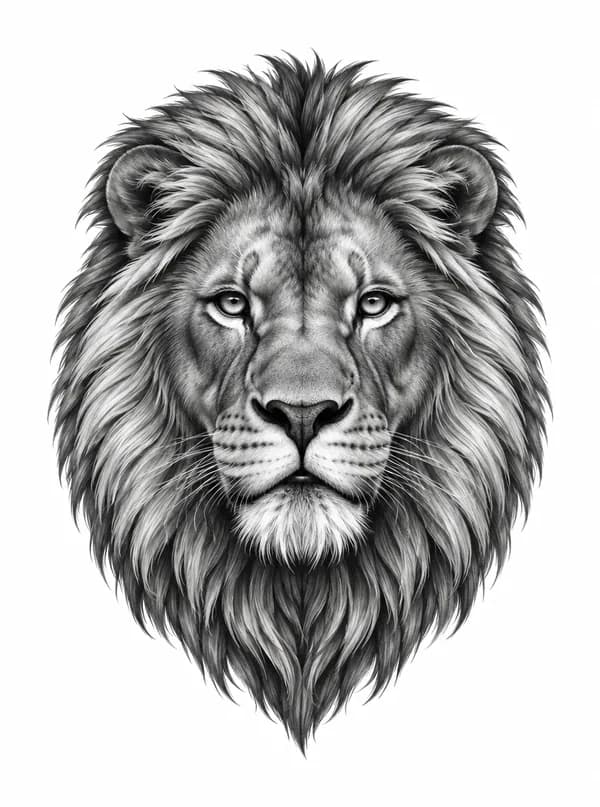
Three takes on every idea
01 / 05One close to what you wrote, one with more detail, one pared back. Comparing them side by side is often how you find out which you actually want.
Line weight, shading, contrast and negative space — the words that separate a tattooable design from an illustration.
A wrist, a forearm and a back need different shapes and different amounts of detail. Pick a spot and the prompts are written for it.
Every subject and detail you wrote is kept. Colour and lettering are only added if you asked for them.
Press Draw this and the prompt opens in the tattoo generator with your style and placement already picked. Then see the design on a photo of your own skin before you book.
Try it on your skinYou know the feeling, not the picture. Write it the way you would say it and let the prompts fill in the style and composition.
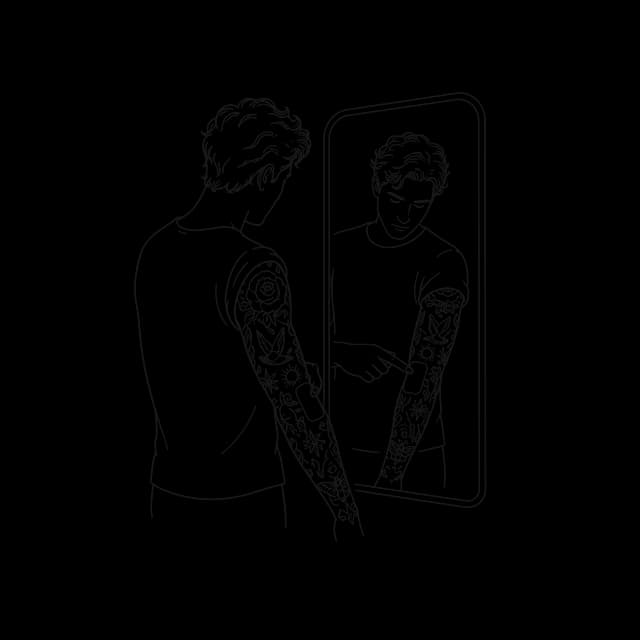
Say what is already on your arm and which style to match, and get prompts that keep the new piece consistent with the old.
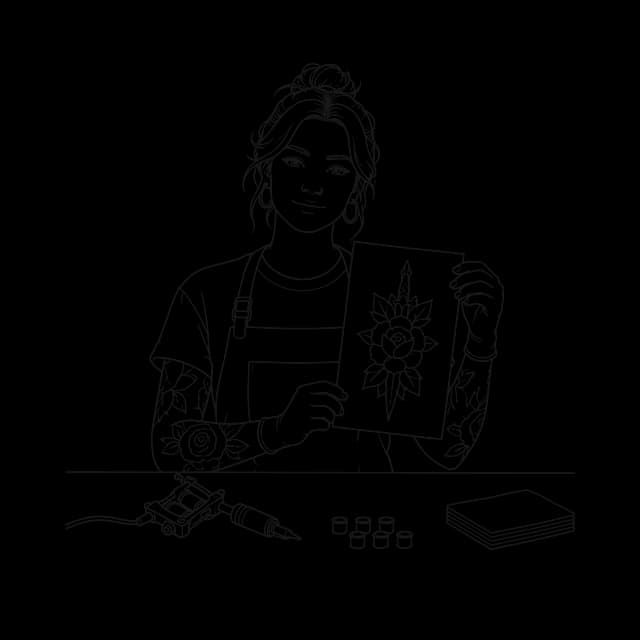
Turn a client’s rambling brief into a precise prompt during the consultation, then draw a few references to agree on a direction.
01
Every good tattoo prompt answers the same six questions, in this order, because image models weigh the start of a prompt most.
What you leave out matters as much. Colour, unless you want colour, because a model that hears nothing will often add it. Text and lettering, unless you want words, because a model asked for a "memorial tattoo" will happily invent a name. And artist names, which make the result derivative and are not something you can take to a studio anyway.
The prompts this tool writes follow that order. Read one next to your original sentence and you will see the parts it added: the style vocabulary, the composition, the background. Those are the parts most people leave out when they write prompts by hand.
02
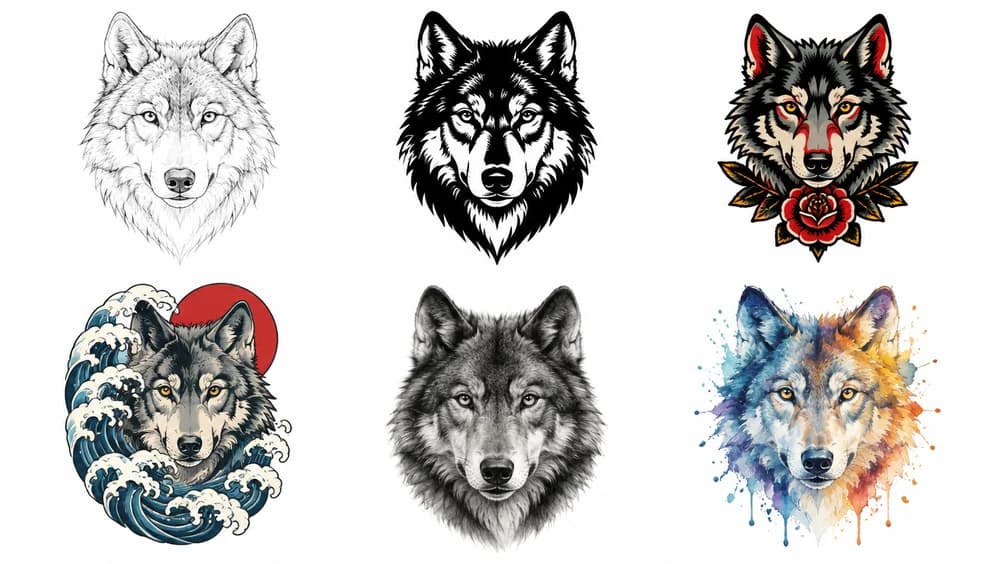
The quickest way to see what a style does to a prompt is to keep the subject and change everything after it. Here is one swallow, written six ways:
Fine Line
a swallow in flight, fine line tattoo style, delicate single-weight black linework, no shading, open negative space, small and airy, tattoo design on a plain white background
Traditional
a swallow carrying a banner, traditional tattoo style, bold black outlines, limited palette, solid fills, classic flash composition, tattoo design on a plain white background
Blackwork
a swallow silhouette, blackwork tattoo style, solid black shapes, high contrast, crisp edges, no gradients, tattoo design on a plain white background
Japanese
a swallow diving through wind bars and cherry blossom, Japanese tattoo style, bold outlines, a flowing background that follows the arm, tattoo design on a plain white background
Geometric
a swallow built from sacred geometry, geometric tattoo style, symmetrical, precise line weight, clean circles and triangles, tattoo design on a plain white background
Minimalist
a swallow drawn as a single continuous line, minimalist tattoo style, no more than three elements, generous negative space, tattoo design on a plain white background
Realism is the style to plan around. Ask for black and grey shading, smooth gradients and a high-detail portrait, and give it a placement big enough to hold that much detail.
Pick a style in the tool and you will see the same thing happen: the subject stays yours, and the vocabulary after it changes.
03
Most prompts that disappoint go wrong in one of five ways.
04
The same design needs a different composition on a wrist and on a back:
That is why the placement is part of the prompt rather than an afterthought. Pick one in the tool and the prompts are composed for its shape and size; leave it on Any and they come back as a balanced standalone design you can place later.
If you already know the size, say it in your idea — "about 5 cm" — and it will be written in. Size decides detail more than anything else: a design that looks crisp on a screen can blur into a smudge at the size of a coin.
05
A prompt is not the tattoo. It is the fastest way to get from a vague idea to a picture specific enough to discuss. Draw a prompt a few times, keep the versions you like, change one thing in your idea and write the prompts again. Ten minutes of that usually tells you more about what you want than a week of scrolling.
Once one design feels right, see it at real size on a photo of your own skin with the tattoo simulator, then take it to your artist. They will redraw it for your body and their own hand — a good artist always does — but you will be starting the consultation with a direction rather than a mood board.
The difference is how much tattoo know-how you have to bring yourself.
| Writing it yourself | Asking a general chatbot | Tattoo Prompt Generator | |
|---|---|---|---|
| Describes the style in tattoo terms | If you know them | Sometimes | |
| Composed for a body placement | If you think of it | Rarely | |
| Three takes to compare | If you ask | ||
| Draw it in one click | |||
| Works in any image tool |
Describe your idea in a sentence, in any language, and optionally pick a style and a placement. It writes three prompts in the language you used: one close to what you described, one with more detail and one simpler. Copy any of them, or press Draw this to open it in the tattoo generator, ready to draw.
Not to try it: you can write prompts without one, and after the first few you will be asked to sign in. Writing prompts uses no credits. Drawing a design needs an account and uses credits, and signing up gives you some to start with. Free downloads carry a small watermark.
Any text-to-image tool: Midjourney, ChatGPT, Stable Diffusion, Flux and the rest. The prompts are plain descriptions with no tool-specific parameters, so add your tool’s own settings, such as an aspect ratio, if it uses them.
The one you write your idea in: describe it in English and you get English prompts, in Spanish and you get Spanish ones. Some image tools follow English best, so if yours does, write the idea in English.
Yes. They are plain text: copy one and change a word, add a detail or merge two of them in the tool you use. To change what gets drawn here, add the detail to your idea and write the prompts again.
The word "tattoo" alone gets you a generic flash sheet from most models. Naming the style and describing it — line weight, shading, how much black — is what makes fine line come out as fine line and Japanese as Japanese.
No. Image models draw a new design from the same prompt every time. That is useful: run a prompt you like a few times, pick the best version, and change the prompt only when none of them are right.
Yes, as a reference. Your artist will redraw it for your body and the size you want, and that conversation goes much faster with a specific picture than with a folder of screenshots.
Write it the way you would say it. The prompts bring the tattoo vocabulary; you pick the one that looks like yours.
Write your prompts